zero staticmedia.
Let's talk
We review your website for free ↗

INTERACTIVE EXPERIENCES

Interactive experiences
for your stand.

We design product games, challenges and touchscreen catalogues for trade shows and exhibition stands. An interactive activation lets visitors take part and explore how your product is used.

Concept visualisation

MEANINGFUL INTERACTION

From watching a screen to understanding a product.

We choose one simple action and a specific message. Content responds to the visitor and ends with a clear next step: viewing a product sheet, comparing options or speaking to your team.

  • A clear start without a lengthy explanation.
  • Large touch controls.
  • Visible results and an option to restart.

CHOOSE THE OBJECTIVE

A format for every conversation.

These examples describe possible commissions. The irrigation challenge is the available demo; other formats are defined and built for each project.

START WITH YOUR OBJECTIVE

What should happen at your stand?

Open an option to explore an approach.

Encourage them to stop and participate

A product challenge with brief instructions, instant feedback and a result worth discussing. Difficulty fits the audience and available time.

Try the challenge ↗
Help them understand the product

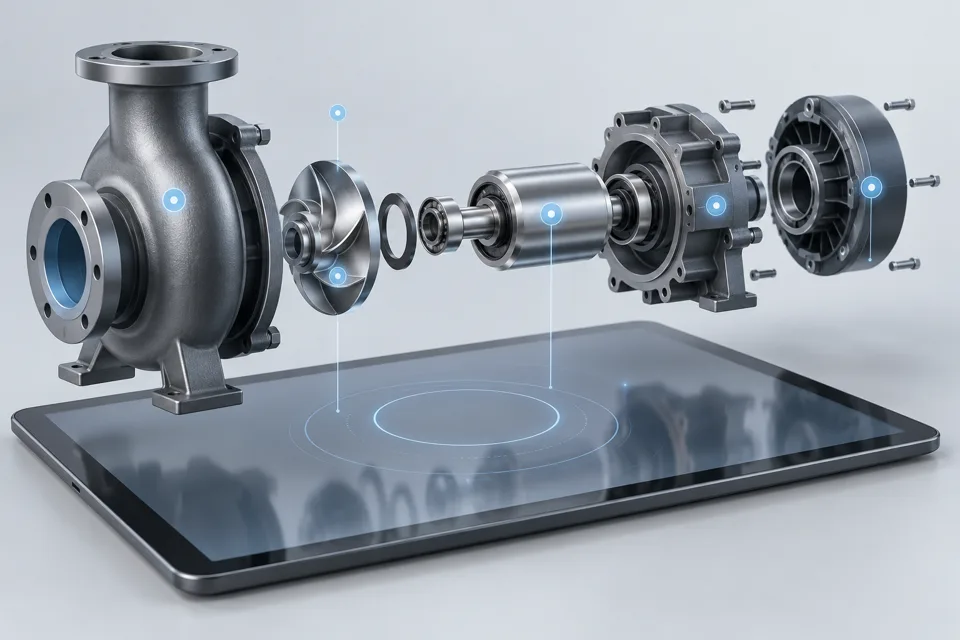
A touch catalogue or 3D explorer reveals information in layers: use, features and documentation.

View formats ↗
Give your team context

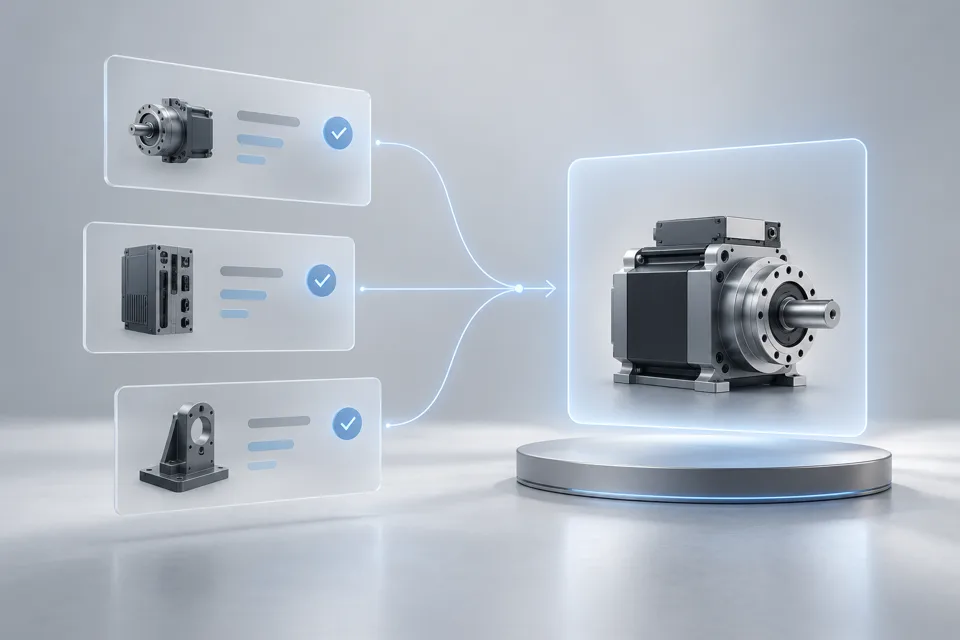
A selector collects preferences and shows a summary for the sales conversation. Saving data, sending summaries or booking meetings requires a defined, integrated workflow.

View meetings ↗

TRY IT

Four challenges to discover products.

Choose, try and compare. The garden, park, rain and remote control turn each product into an experience you can explore.

Let us guide you through the experience.

01
FIRST, GET YOUR BEARINGS

One stand. Three ways to participate.

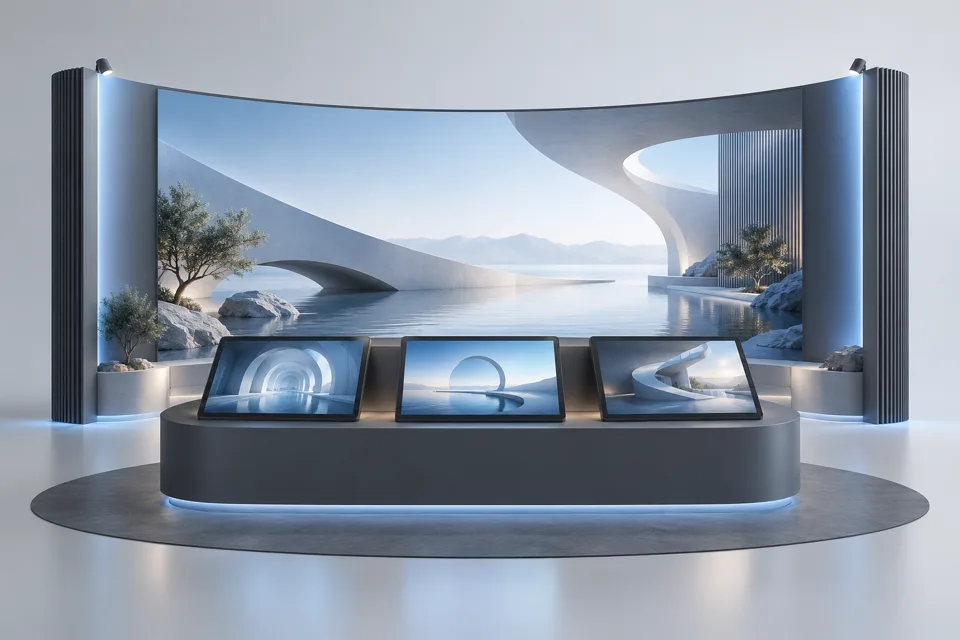
Scroll to compare formats. The screen changes; the experience adapts to the product, the visitor and the way you serve them.

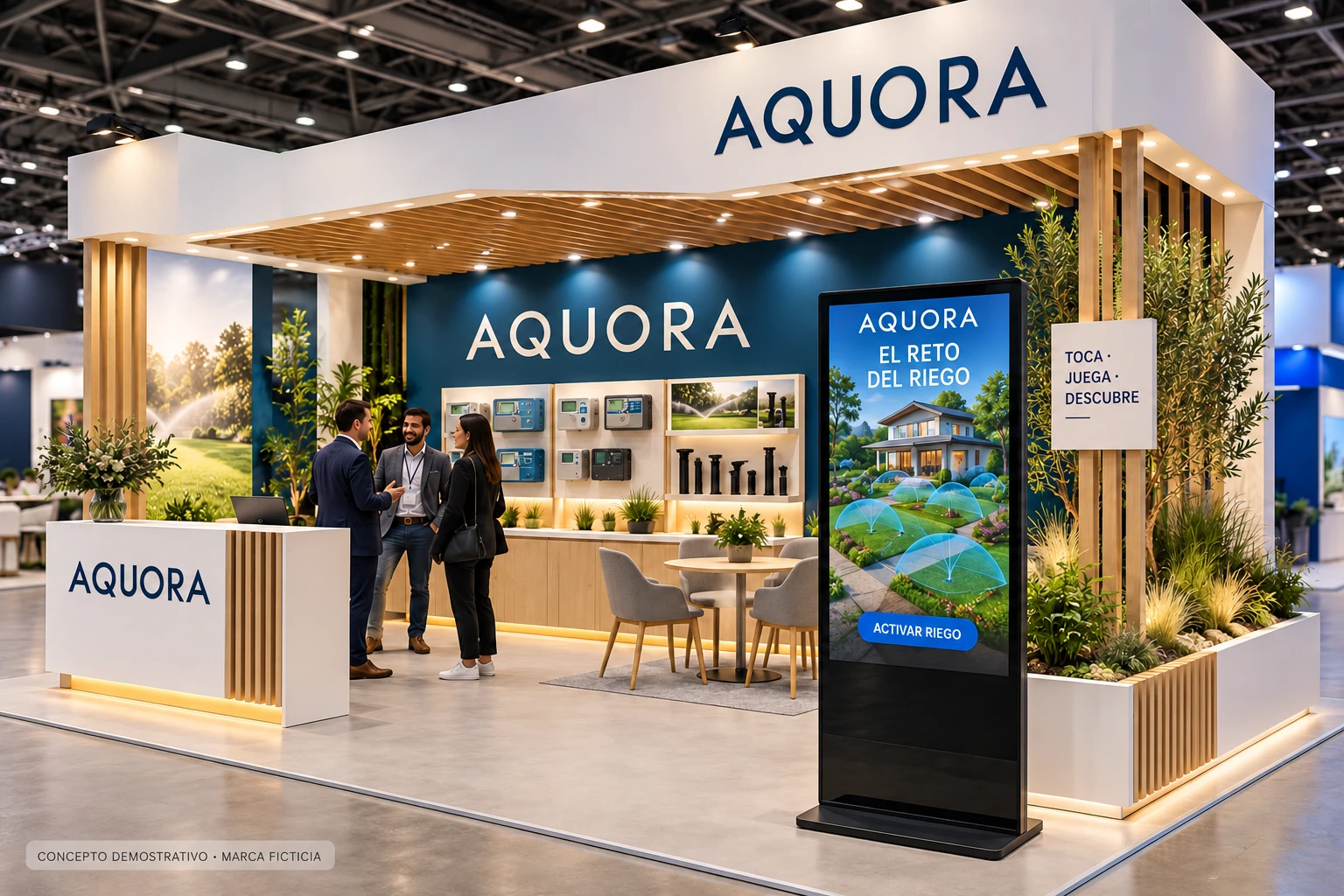
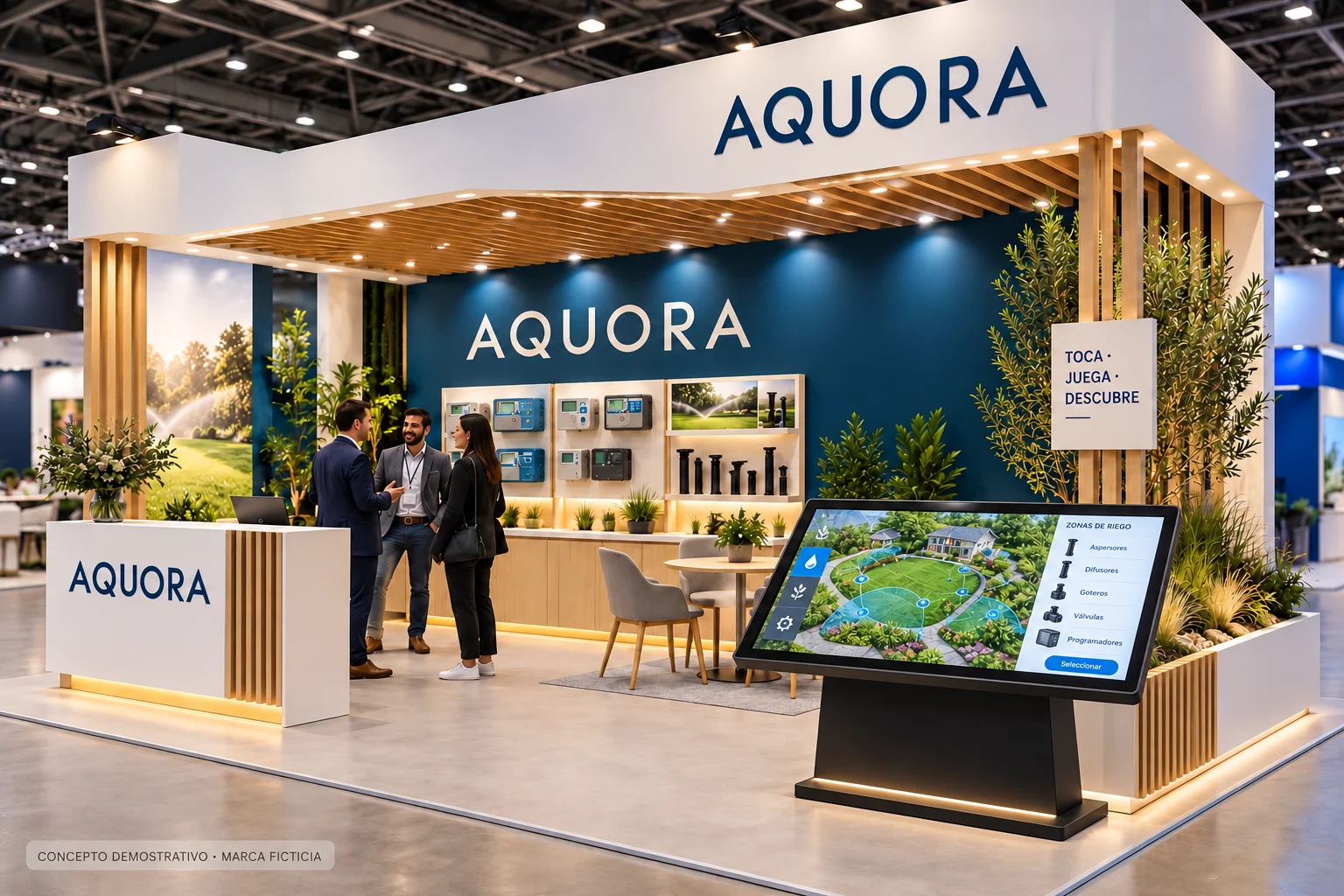
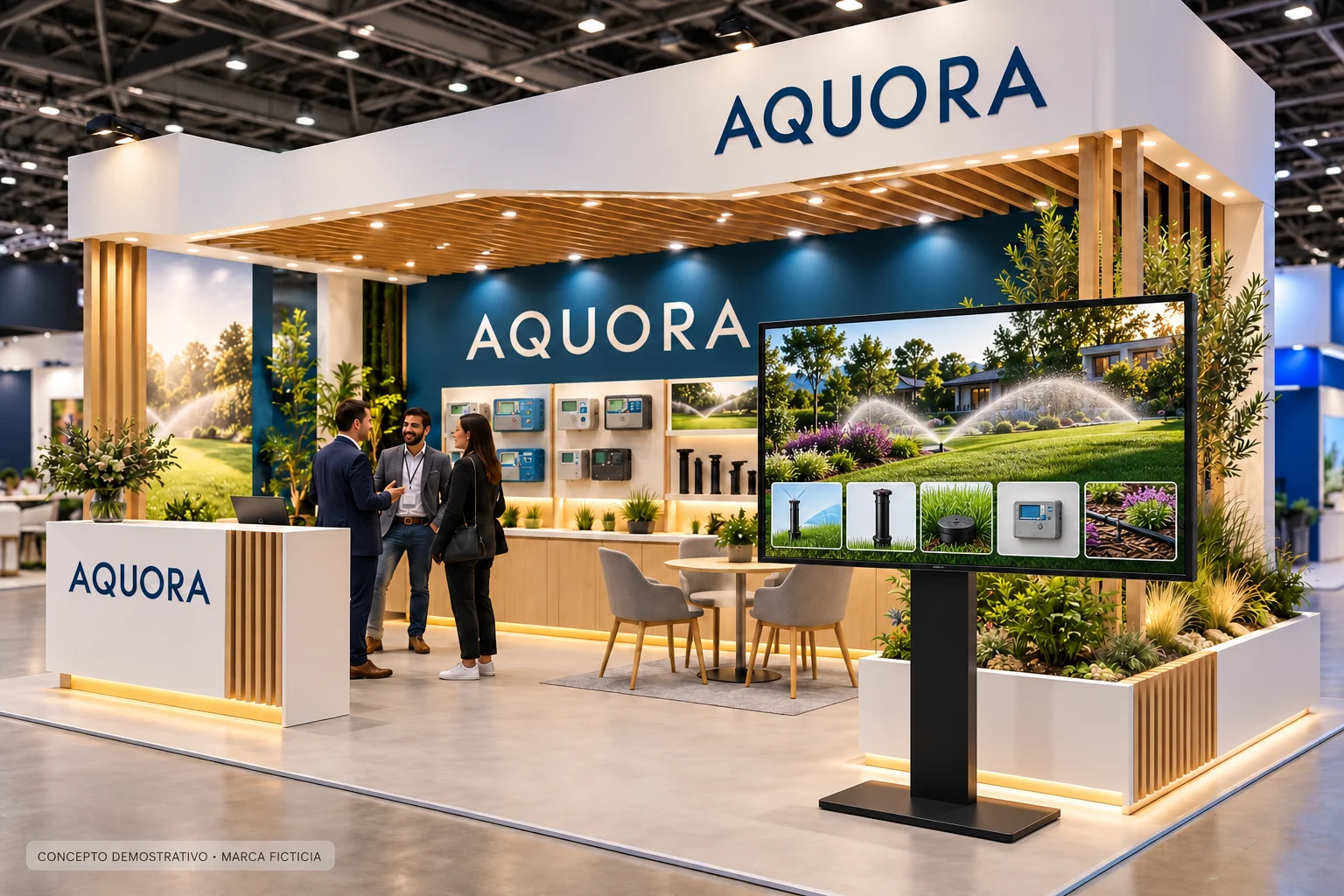
Portrait kiosk · AQUORA · Concept illustrationTouch table · AQUORA · Concept illustrationLandscape display · AQUORA · Concept illustration

One stand, three formats. Concept visualisations; hardware and rental are coordinated separately.

01 / 03 · Portrait kiosk
A challenge for visitors passing your stand.

Visitors choose a product, try it and discover its application in a short experience.

Digital service
Product challenges and games
What we develop
Touch interface, instructions and final result.
02 / 03 · Touch table
Explore together, on the same screen.

A sales representative and visitor browse a catalogue, compare options or explore a scene on an inclined surface.

Digital service
Catalogues and guided demonstrations
What we develop
Content organised by product, navigation and comparisons.
03 / 03 · Landscape display
Your demonstration, in full view.

A wide screen shows scenarios and applications. It can support a team presentation or accept interaction if the hardware is touch-enabled.

Digital service
Interactive presentations
What we develop
Scenes, content selection and presentation mode.
Now see what the visitor does
02
NOW, TAKE PART

One action. A visible response.

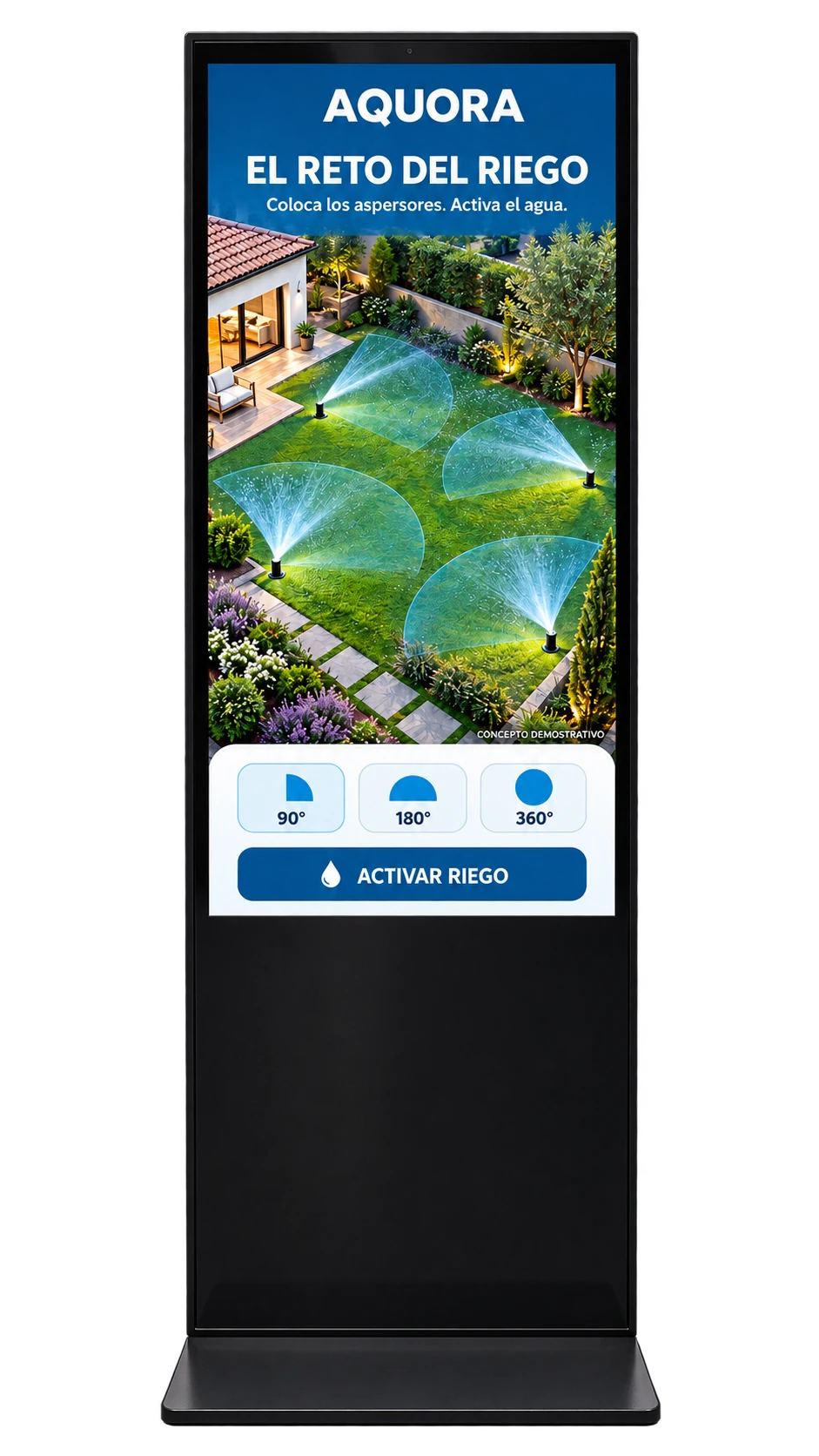
Choose a Aquora product and try four challenges: garden, park, rain and remote control. Each scenario demonstrates a different application.

The preview runs through all four challenges. Open the experience to choose products, try them and compare what happens.

Aquora · Concept demo, not an installation delivered for the brand.
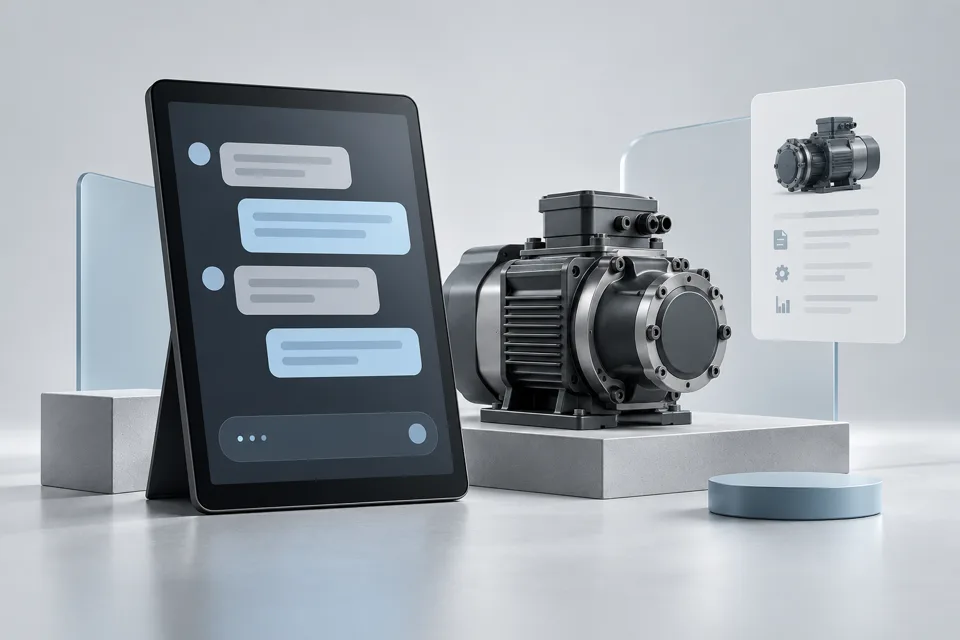
Portrait exhibition touchscreen
What happens after playing?
03
FINALLY, CONNECT

From the result to a conversation.

Your team can discuss what happened, explain the product and answer questions. We agree a clear ending: view a product sheet, keep exploring or speak to a person.

ParticipateUnderstandContinue

This journey is illustrative. We adapt the content, rules and ending to your brand; it does not promise sales or collect data by default.

Tell us about your product and exhibition

AQUORA is a fictional brand. The stand is conceptual and the Aquora game is an independent demonstration, not a project delivered for the brand.

FROM BRIEF TO SCREEN

What your company receives.

  1. 01

    Script and journey

    Objective, audience, message, rules and ending agreed before development.

  2. 02

    Design and development

    Branded screens, approved content, touch controls and a reset for the next visitor.

  3. 03

    Testing and delivery

    Testing on the agreed device, operating instructions and support terms defined in the proposal.

A CLEARLY DEFINED PROJECT

Content, device and operation.

Before development
  • One main objective and a defined audience.
  • Content, rules and answers approved by your team.
  • Screen format, languages and venue conditions.
Before the exhibition opens
  • Test the complete journey on the intended device.
  • Check reset, control sizes and readability.
  • Agreed startup guide and responsible person.
After the event
  • Keep, adapt or close the experience as agreed in the contract.
  • Content changes and support with an agreed scope.
  • Optional measurement, only if agreed and implemented.

DEFINED WITH YOU

Prepared for real use.

Before quoting, we need the exhibition, dates, product, language and intended screen.

Tell us your idea
Screen, connectivity and operation

We review the model, operating system, browser, resolution and orientation. Offline operation is confirmed after checking assets and integrations.

Equipment and setup

We can coordinate screens, installation and operating guidance with Projekta. Availability, transport, setup, removal and support are quoted separately.

Data, languages and integrations

The experience can work without registration. Contacts, analytics, prizes, languages or external connections require agreed requirements and a feasibility check.

What your team provides

Brand identity, product sheets, available assets and a person to approve the content. We agree what can be edited and how changes will be managed.


THE NEXT STEP

Request a proposal

Request a proposal